





























AI agent integrations: which systems Octupo can connect to and how it all works together
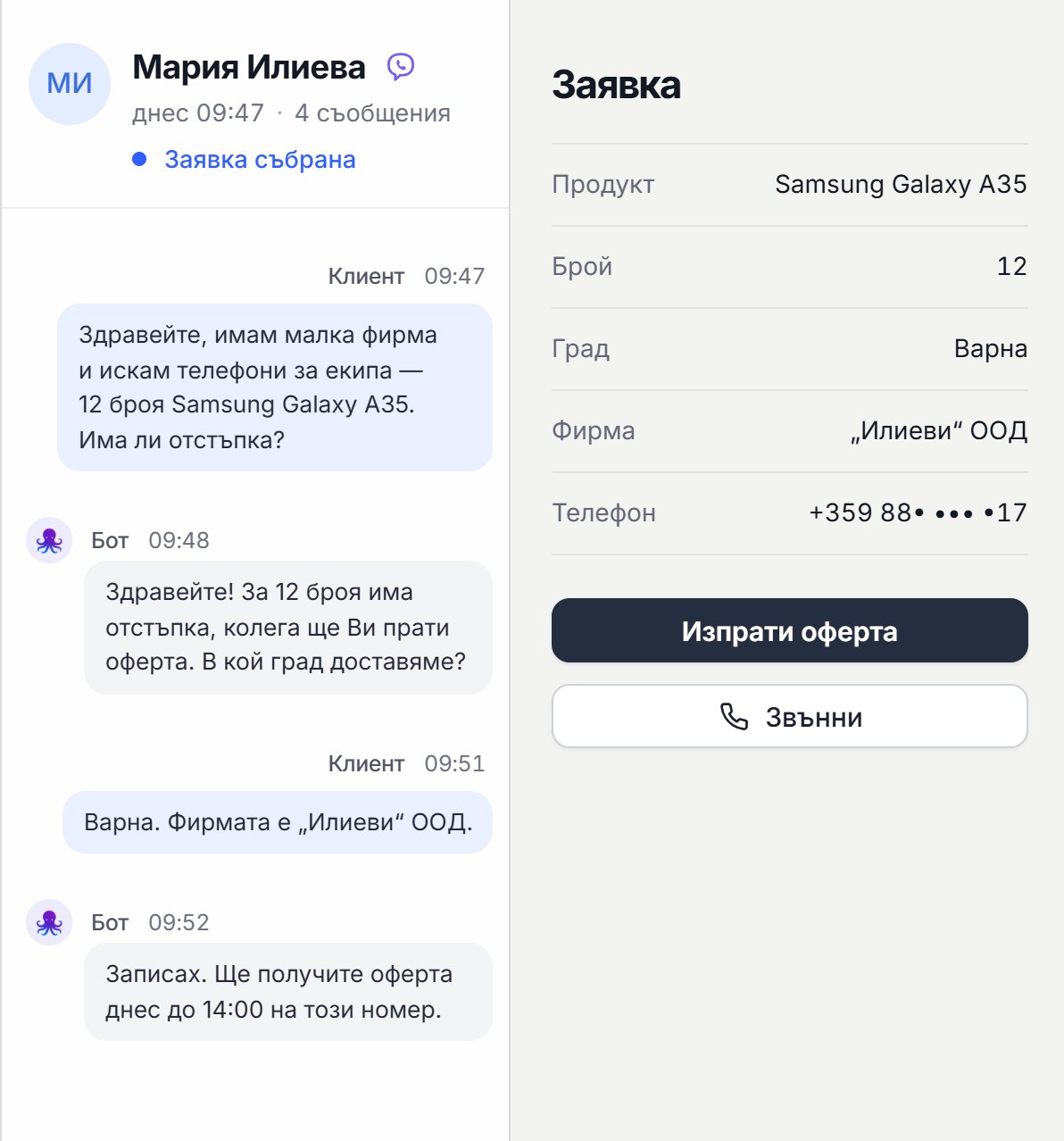
When an AI agent is connected to your systems, the conversation leads to action: a record, a request, an email, a task, a status update.
One of the biggest differences between "a bot that just talks" and an AI agent that actually works is integration. When an AI agent is connected to your systems, a call or chat doesn't just end with an answer. It leads to action: a record, a request, an email, a task, a status update, a report.
At Octupo, we build AI solutions that can work as:
- an AI chatbot for your website
- an AI phone agent (voice assistant)
- an outbound agent that can make calls (follow-ups, cold calls, leads)
And most importantly: we can connect them to your tools, platforms, and internal systems so they automate real processes.
How the system works "at a high level" (the big picture)
The simplest way to understand it:
- A customer writes on your website or calls by phone.
- The AI agent understands the question and the intent.
- If it needs information, it uses a knowledge base (website, documents, rules).
- If it needs to take action, it calls an integration with a system (for example, a CRM, spreadsheet, email, or calendar).
- For a complex or urgent case, it transfers to a person.
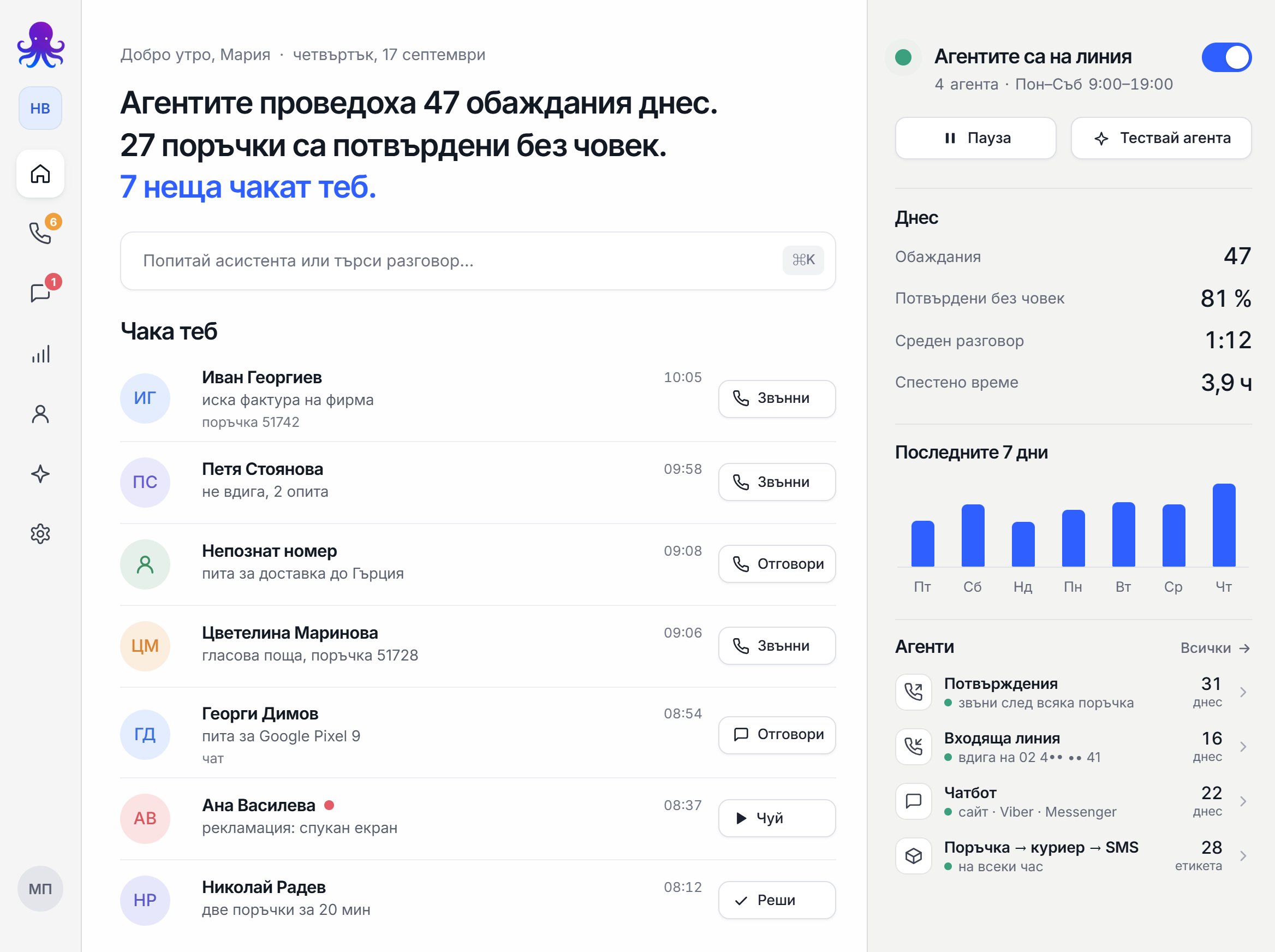
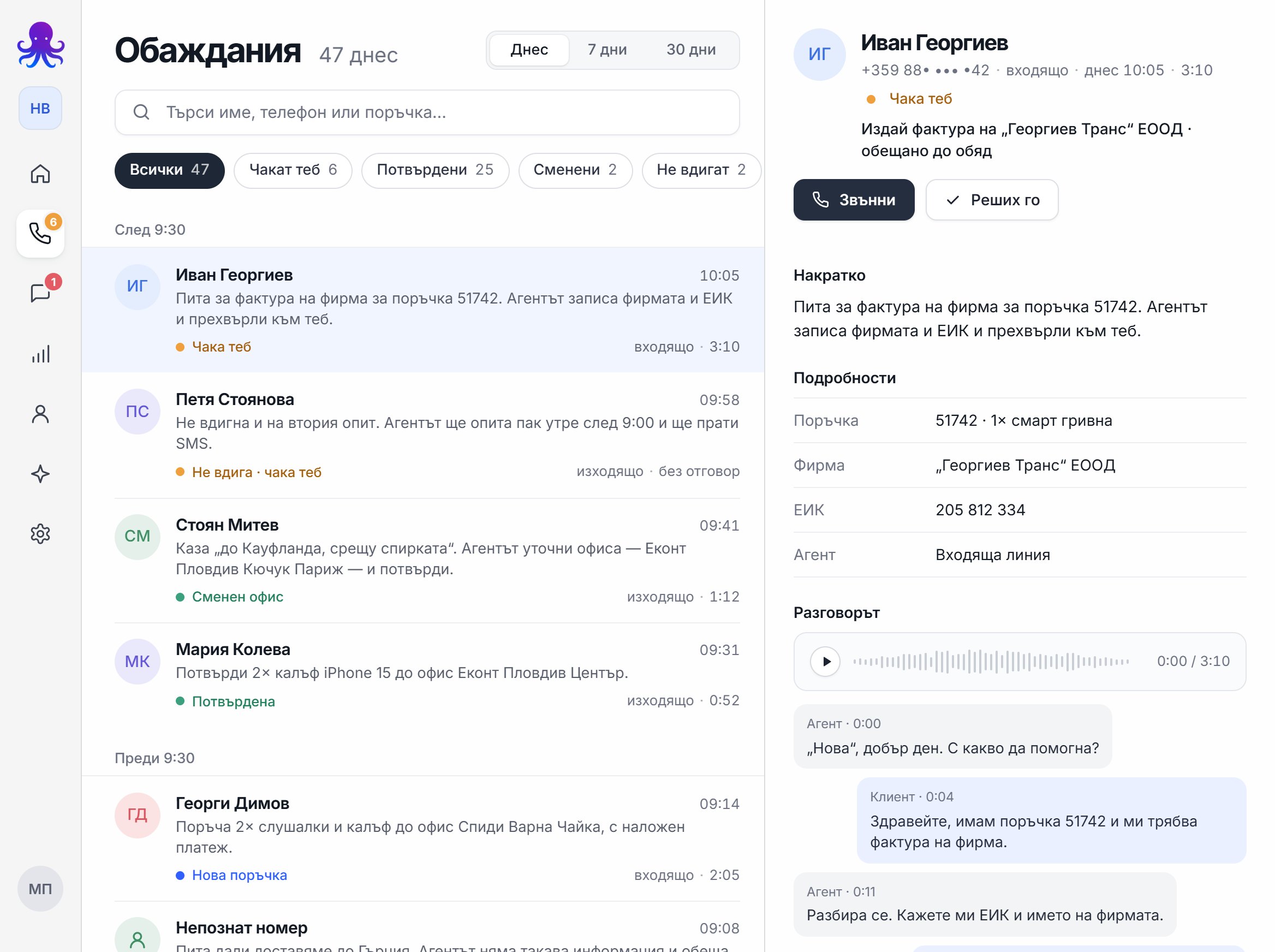
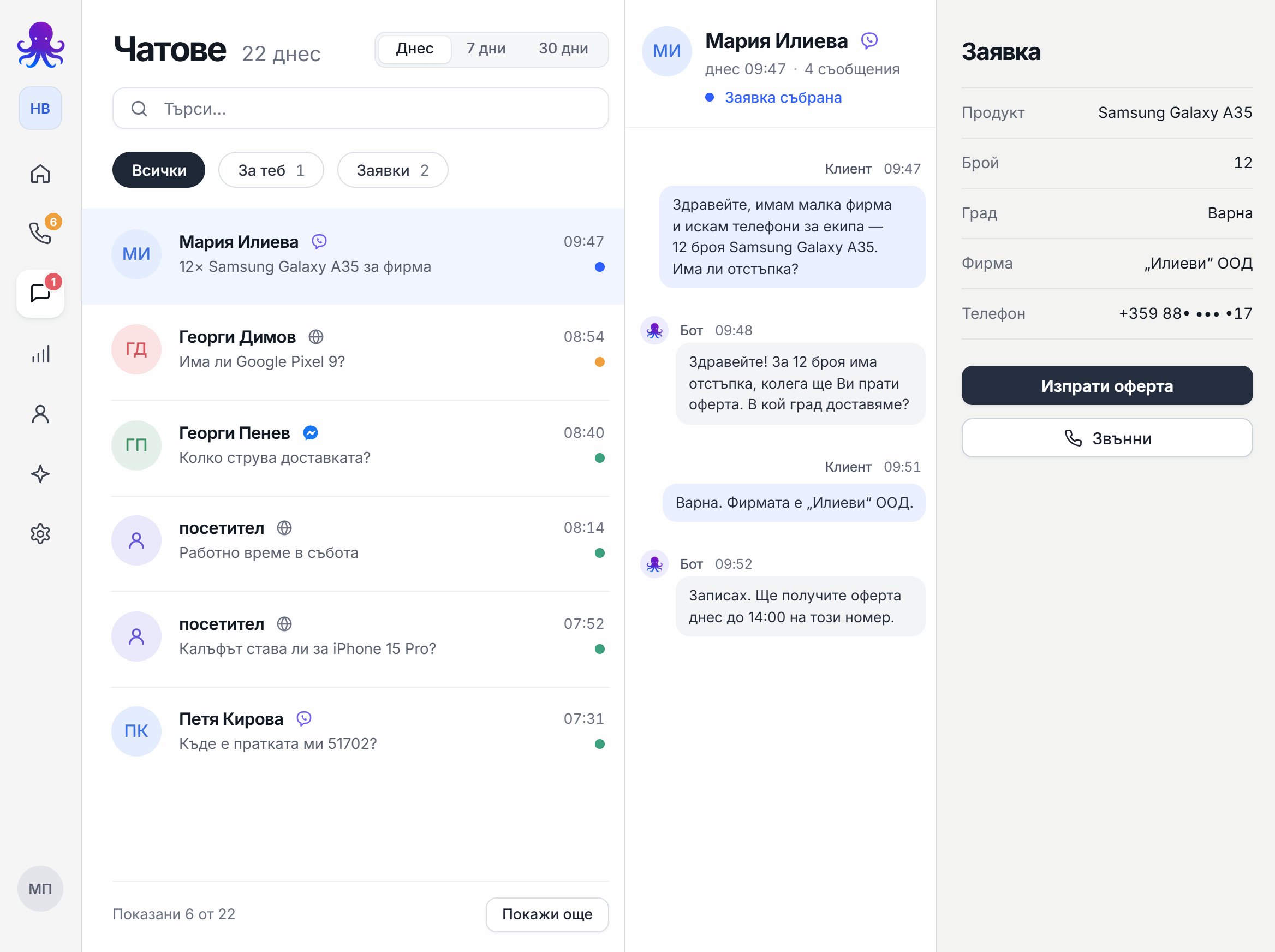
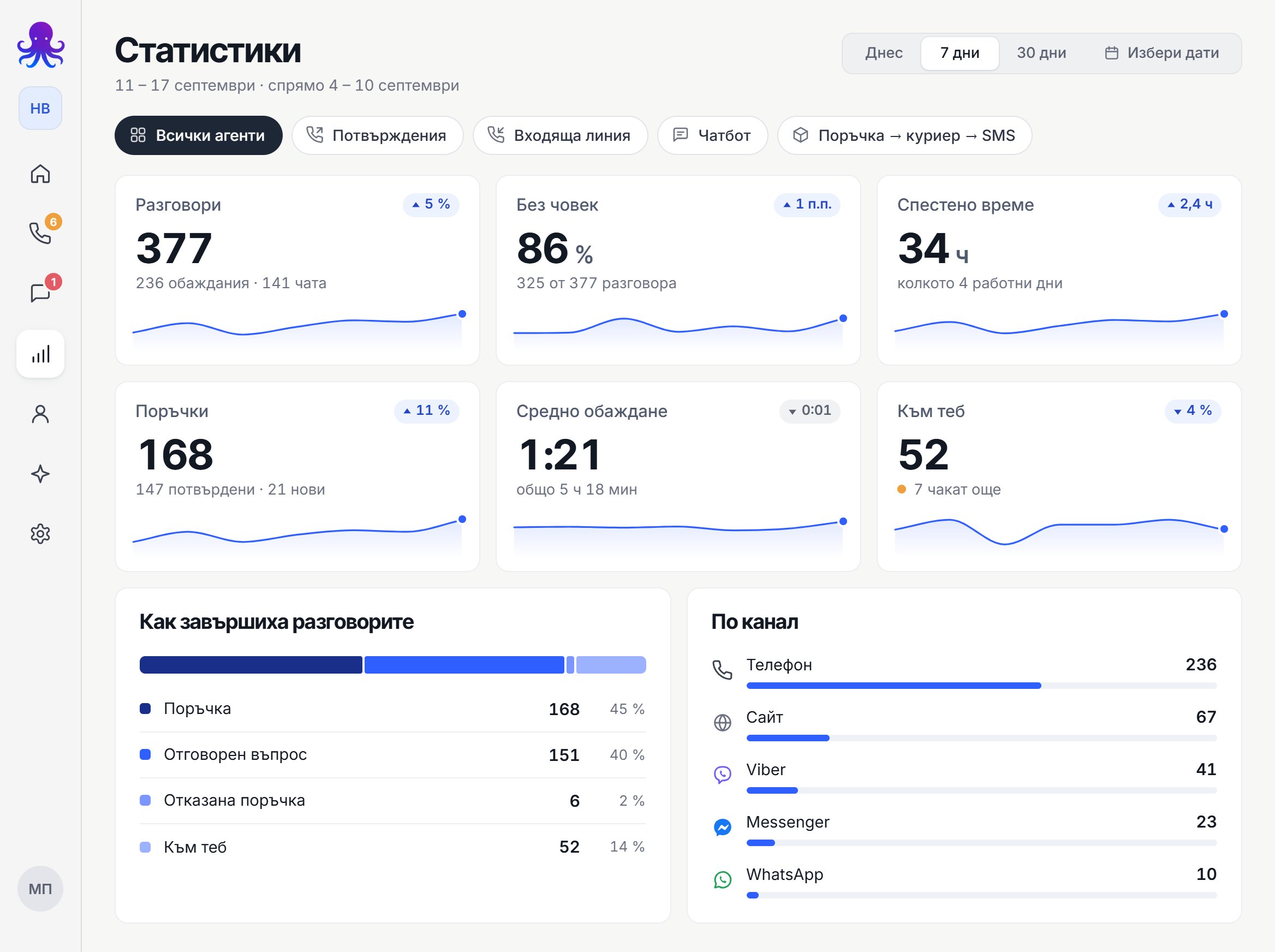
- Everything is logged and tracked in a dashboard: transcripts, audio recordings (for phone), outcomes, and statistics.
This is why AI agents bring real value: not just customer service, but process automation.
Which systems the AI agent can connect to (integrations)
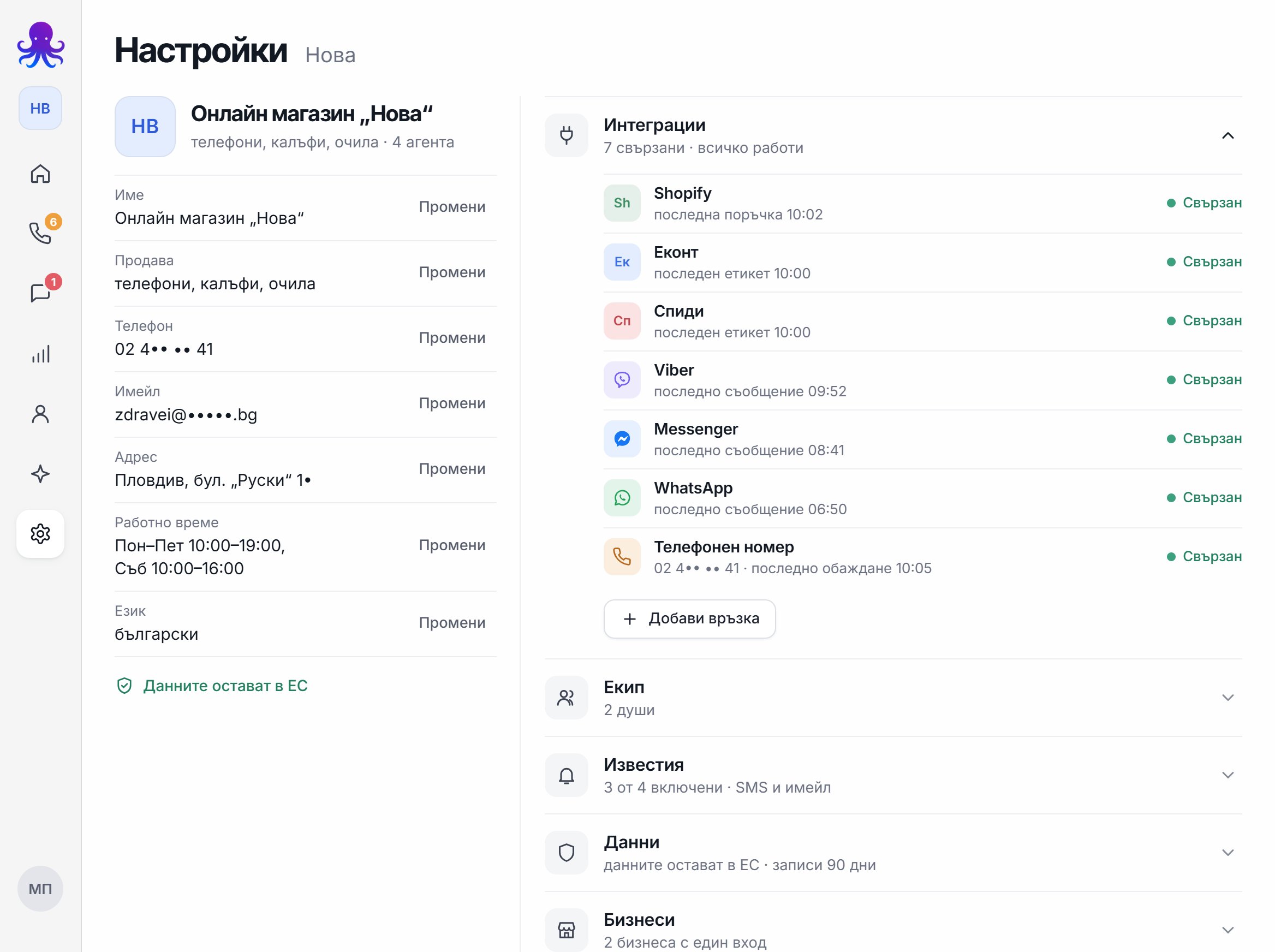
Below is a list of the most common categories of systems we integrate with. If your system isn't on the list, that doesn't mean it can't be connected. In that case, just write to us and we'll tell you the best integration option.
1) Website and forms
- contact forms
- service requests
- landing pages from ads
- bookings and appointments (if there's a form/system)
The AI agent can:
- take inquiries
- point people to the right page
- collect the information for a request
- pass the data on to the next system (spreadsheet/CRM/email)
2) Email systems
- Gmail and other email providers
The AI agent can:
- send automatic confirmations
- send a summary of a call/chat
- notify the team about a new lead or an urgent case
- kick off follow-up processes
3) Tables and spreadsheets
- Google Sheets
- Excel (depending on the environment)
This is one of the most practical options because it's easy for the team:
- the AI logs requests
- marks the status
- fills in call outcomes
- works with lists for outbound campaigns (leads, cold calls)
4) Calendars and meetings
- Google Calendar and similar tools
The AI agent can:
- book meetings
- suggest available time slots (if connected)
- send confirmations and reminders
5) CRM systems (sales and customers)
AI agents are often integrated with a CRM to:
- create a new lead
- log a call/chat as an activity
- update a deal's status
- assign a task to a sales rep
6) ERP and inventory/order systems
For businesses with products and inventory, the AI agent can:
- check information (if it has access)
- submit requests
- create records for an order or inquiry
7) Helpdesk / Support systems
The AI agent can:
- create tickets
- classify issues
- escalate to a person
- send information to the team
8) Chat platforms and social media
Depending on your needs, we can build an AI chatbot that works in:
- web chat (on your website)
- other chat channels, where integration is possible
If you have a specific platform or social network you want us to integrate, write to us and we'll confirm whether it's possible and the best approach.
9) Internal systems and APIs
Many businesses have internal systems. If the system has an API or a way to access its data, we can:
- pull information
- write data
- trigger actions based on logic
If you don't see your system on the list
If you use a specific platform, "network," or internal system that isn't listed here, just write to us. In most cases, there are 3 approaches:
- direct integration via API
- integration through a middleware/automation tool
- a hybrid option that's the most stable for your process
The fastest way is to send us an email with:
- which system you use
- what exactly you want the AI agent to do
- what the process looks like right now
Dashboard: full control, reporting, and improvement
We believe an AI agent without control is a risk. That's why we work with an approach where the business has visibility and can improve the agent over time.
In the dashboard, you can:
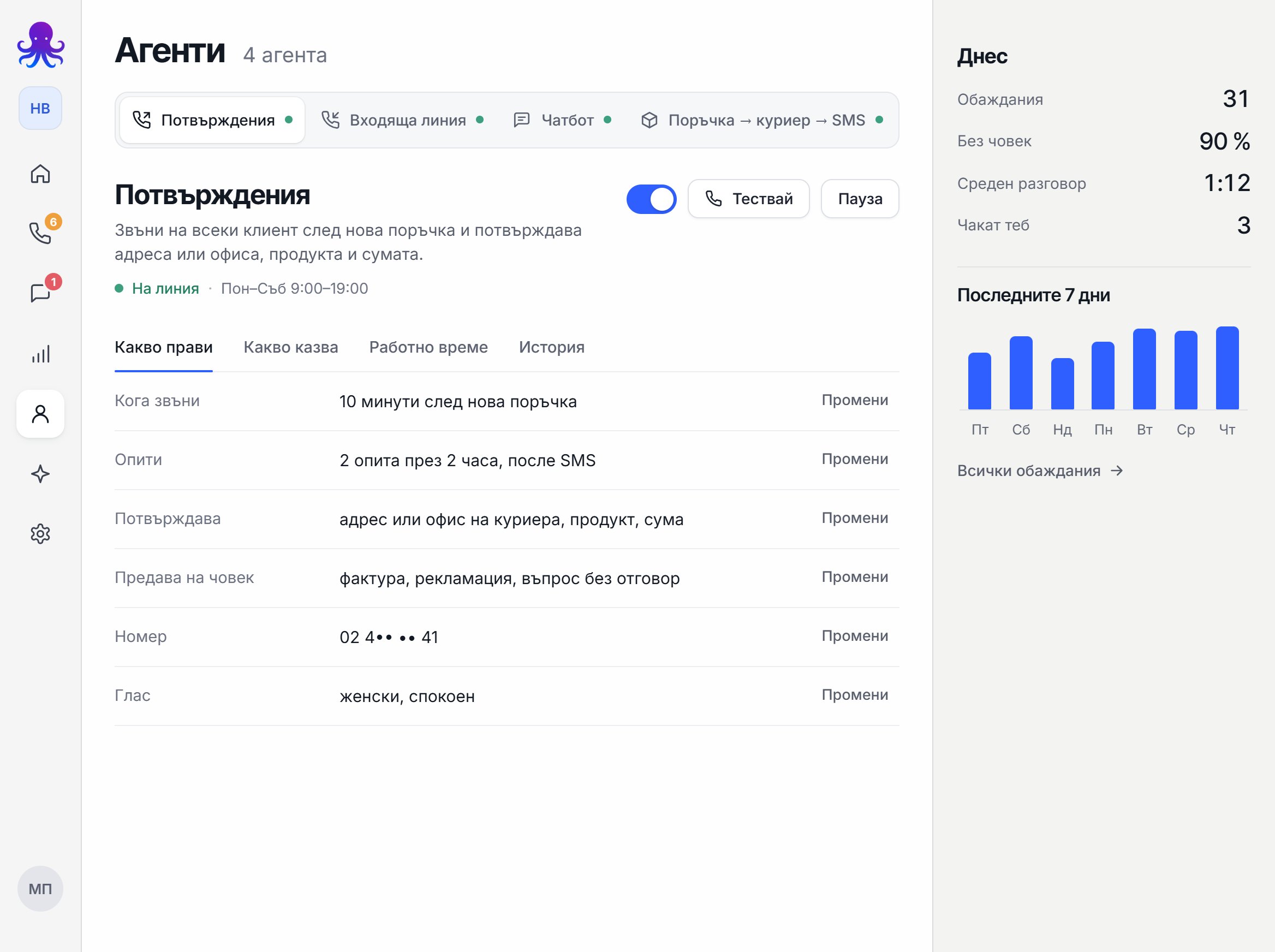
- track all calls and chats
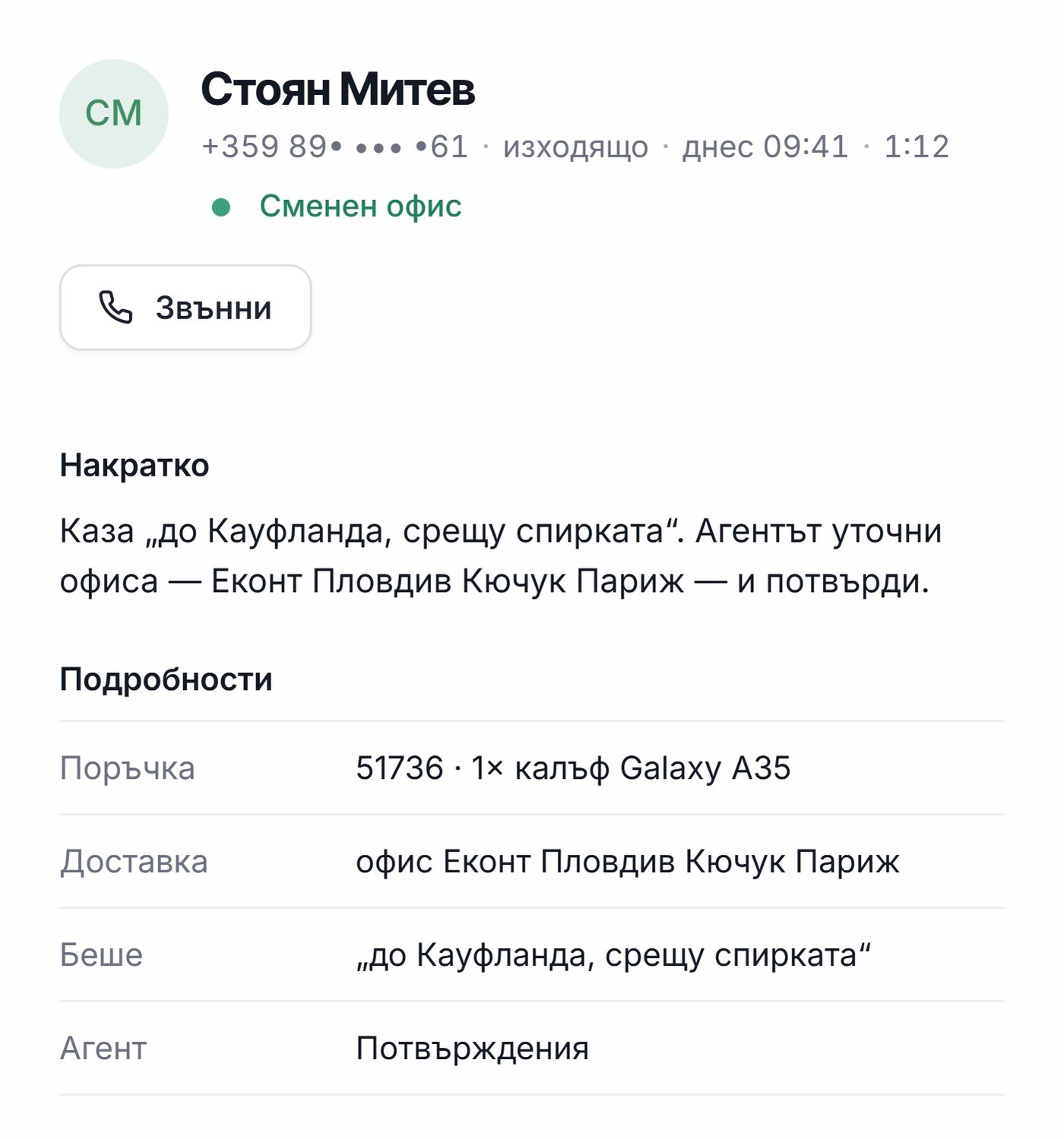
- see call transcripts (for phone)
- listen to the audio recording of every call (for phone)
- see the most common questions and topics
- see when the agent transferred to a person
- track campaign results (if there are outbound calls)
This is the foundation for optimization: improvements aren't based on "gut feeling," but on real data.
What we can automate through integrations (examples)
- Chat inquiry → logged in CRM → email notification
- Call → summary → email to the team
- Lead list in Sheets → AI calls → logs the outcome → transfers to a sales rep if there's interest
- Meeting booking → Google Calendar → confirmation to the customer
- Support chat → helpdesk ticket → prioritization → notification
Frequently asked questions
Can it integrate with "our system" if it's a custom one?
In many cases, yes. If it has an API or a way to access data, we can find an approach. If we're not sure, we do a quick check first.
Do we have to change our systems to use an AI agent?
No. We usually integrate with what you already use.
How is everything maintained over time?
Through the dashboard, monitoring, and gradual improvements based on real calls and chats.
Next step
If you want to see which integrations are the best fit for your business, get in touch and we'll propose a concrete plan based on your systems and processes.
If you're also interested in voice-based customer service: