














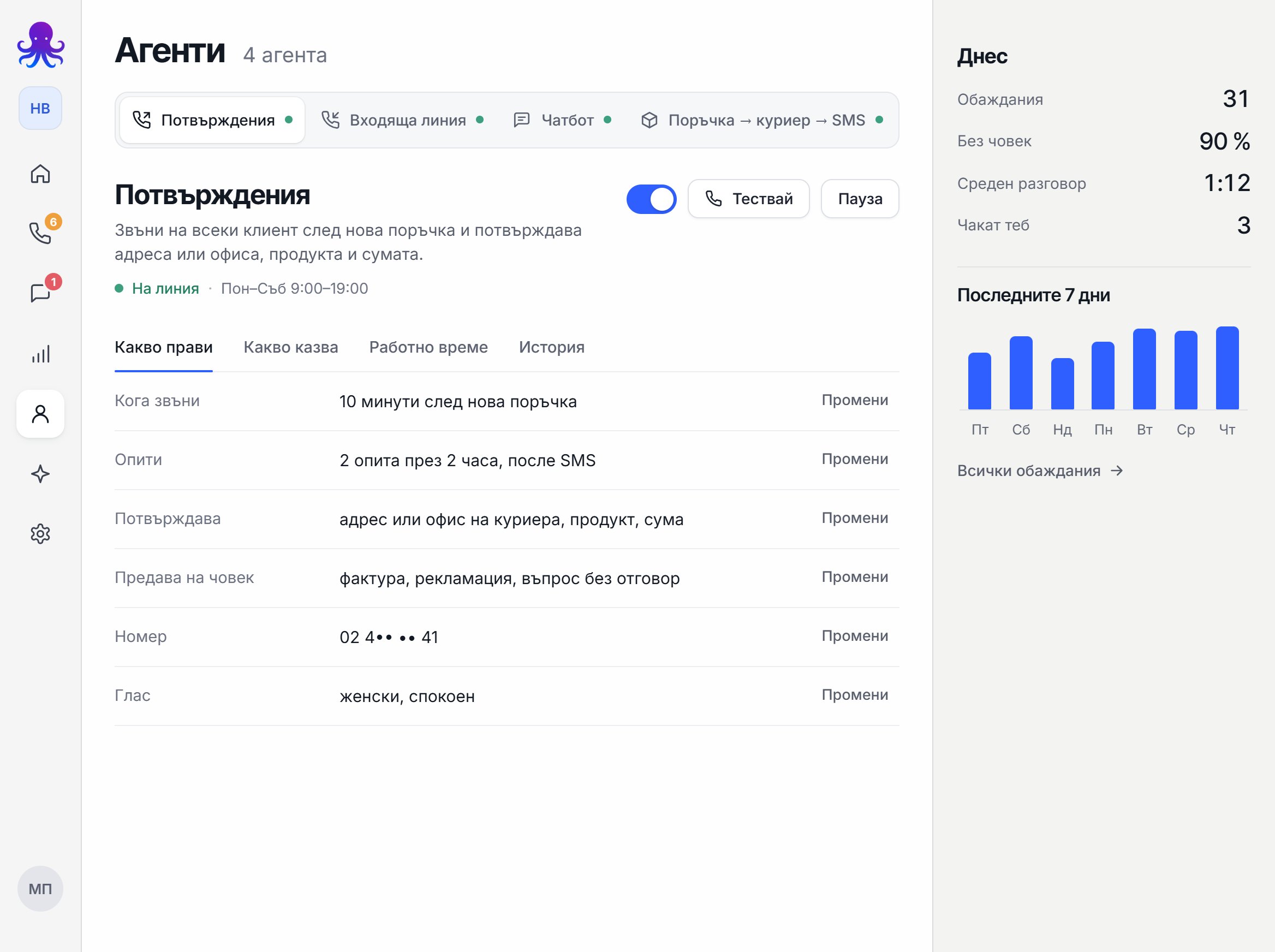
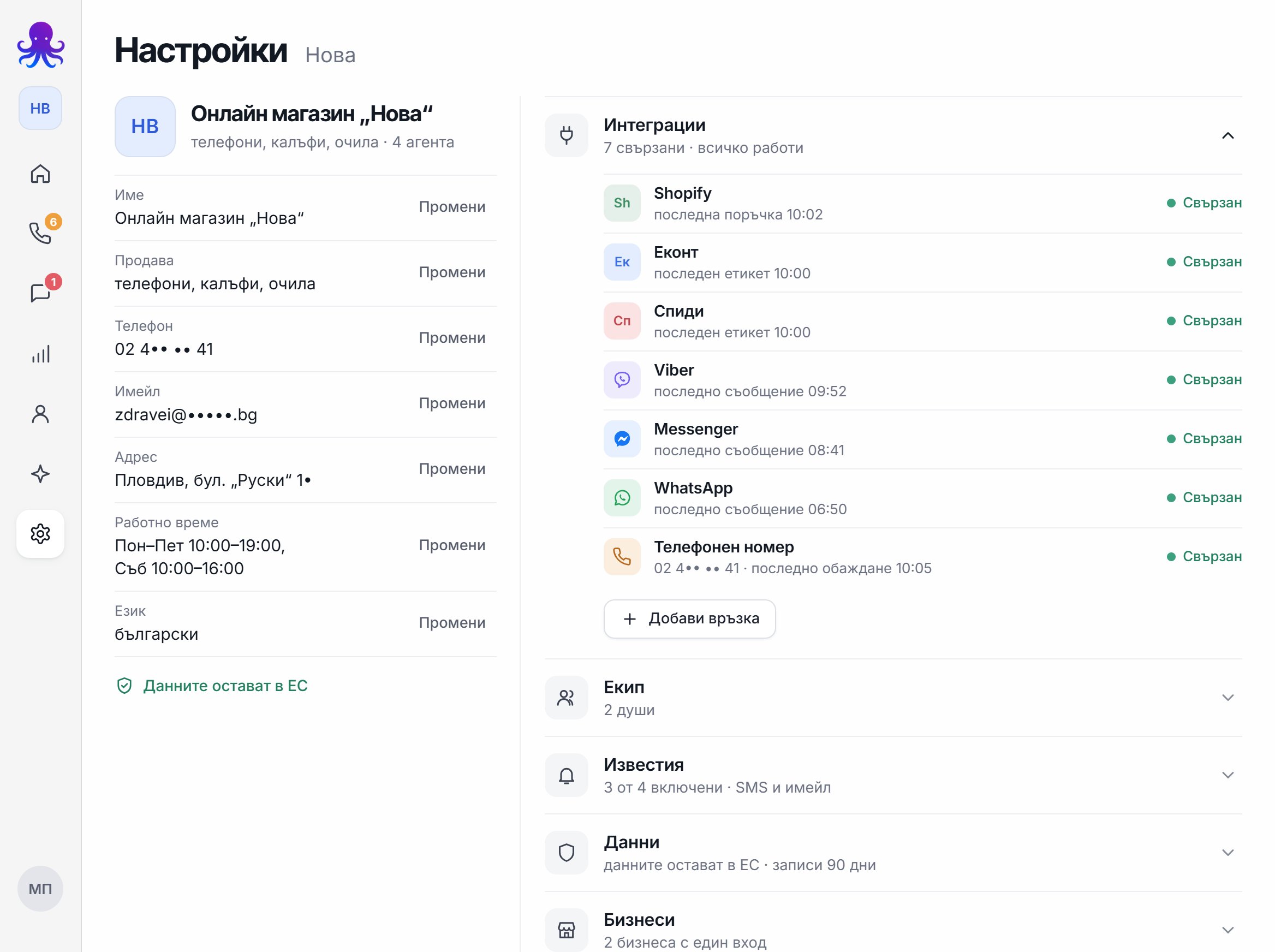







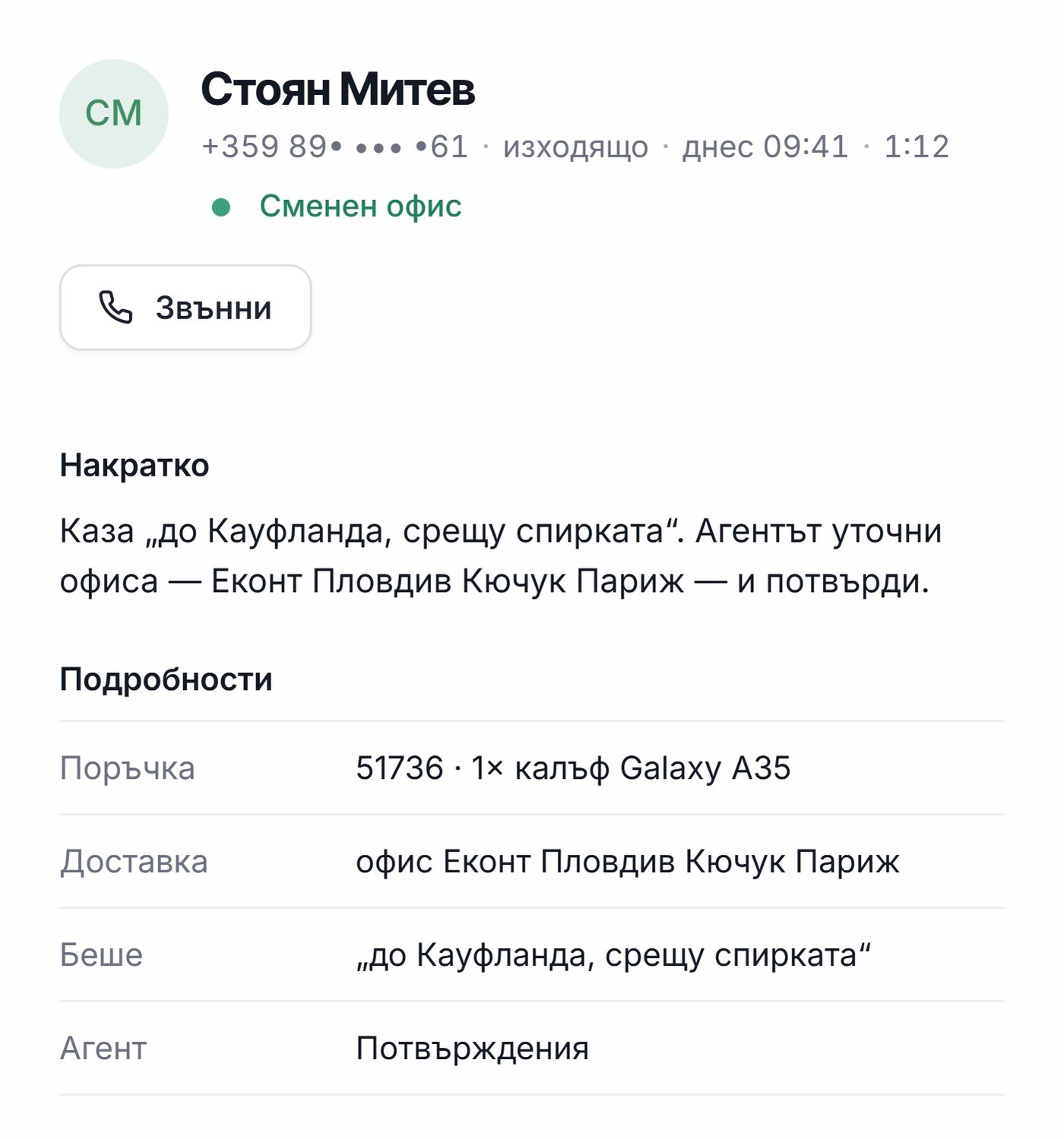








Custom automations for business: how Octupo connects your systems and saves you time every day
Custom automations from Octupo: we connect your website, email, spreadsheets, CRM/ERP and internal systems to automate sales, customer service and operations.
Most businesses don't suffer from a lack of tasks. They suffer from repetitive tasks: copying data between systems, sending emails by hand, missed follow-ups, mixed-up statuses, late reports, and information scattered across different files and chats. These "little things" eat up hours every day and create errors that end up costing money.
That's exactly what custom automations solve: we build tailored workflows that connect your tools and processes, do the work instead of your people, and give you control through reporting and monitoring.
If you want a quick look at our service:
Custom automations from Octupo
What "custom automations" means (and why it's not the same as template automation)
A custom automation is built around your rules, your processes and your systems. It's not "a template that works great in a demo." It's a real solution that fits the way you actually work every day.
You feel the difference most in three areas:
- Logic and conditions: exactly when an action should run, and when it shouldn't.
- Exceptions and errors: what happens when data is missing, the format is wrong, there's a duplicate, or a system fails.
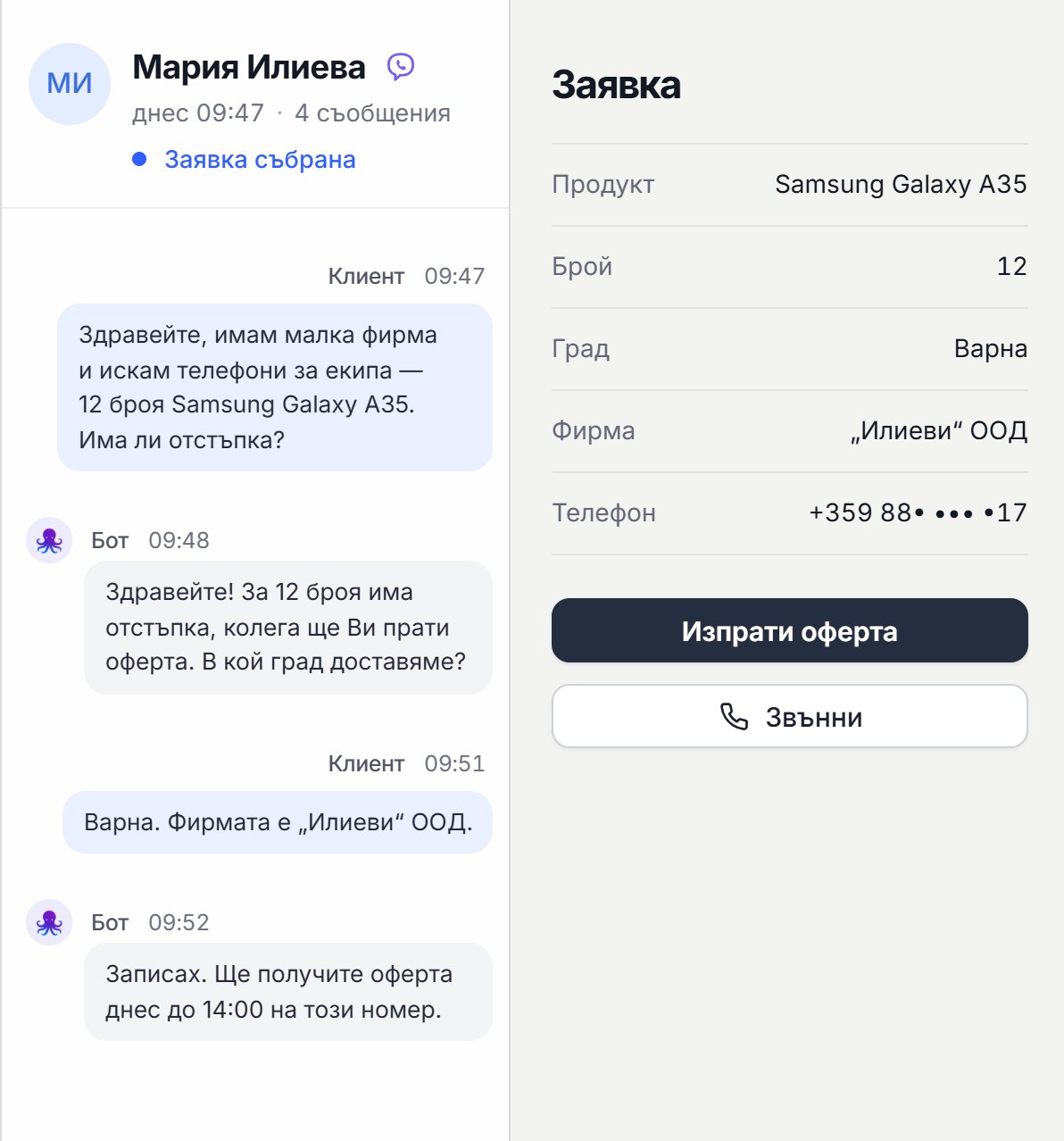
- Real outcomes: we don't just "put something in a spreadsheet." We take the process all the way to the final step: a quote, a confirmation, a task, a ticket, a report.
Where businesses lose the most time (and where automation pays off fastest)
Sales
- Inquiry from the website → record in the CRM → notification to a sales rep
- Automatic follow-up when there's no reply
- Preparing a quote from a template and sending it for approval
- Logging the outcome: interested, declined, next step
Customer service (Support)
- New inquiry → ticket → prioritization → assignment to the right person
- Alerts for urgent cases
- Conversation summaries with a clear next step
- Automatic closing and status reporting
Operations and administration
- Automatic daily/weekly reports
- Syncing systems that otherwise "don't talk to each other"
- Spotting gaps and anomalies
- Automatic reminders and tasks
Marketing
- Lead from a campaign → segmentation → follow-up action
- Tracking where inquiries come from
- Automatically pushing data to an analytics dashboard
Which systems we can integrate with (and how we think about integrations)
Most often, we connect automations with:
- your website and forms (inquiries, bookings, requests)
- email (notifications, confirmations, summaries, follow-ups)
- spreadsheets (Google Sheets and other spreadsheets as a control center)
- calendars (booking meetings and sending reminders)
- CRM systems (leads, deals, activities, tasks)
- ERP/inventory/orders (statuses, stock levels, records)
- helpdesk systems (tickets, priorities, escalations)
- internal systems via API (when you have a specific platform)
If your system or "network" isn't on this list, that doesn't mean it can't be connected. Just send us an email with:
- which system you use
- what exactly you want to automate
- what the process looks like today
And we'll confirm the best integration approach.
AI automations: when the process "understands" the content, not just moves data
A standard automation moves data from point A to point B. An AI automation adds a layer that can:
- classify inquiries by topic and priority
- summarize a call or a chat
- extract key fields from free text
- suggest the next step based on context
- route to the right team without anyone reviewing it by hand
This is especially useful when you get lots of incoming emails, chat messages and form inquiries.
How we work at Octupo (step-by-step process)
Step 1: Quick audit and a clearly defined goal
We clarify:
- which process we're automating
- what the input is (form, email, spreadsheet, system)
- what the output is (CRM, ticket, email, report, task)
- what the "critical points" are and which errors happen today
Step 2: Workflow design (logic + exceptions)
We design:
- triggers (what starts it)
- conditions (when it should run)
- actions (what we do)
- exceptions (what we do when there's a problem)
- security and access rules
Step 3: Build and integrations
We connect the systems and build the workflow so it's stable and traceable.
Step 4: Testing with real scenarios
We test "end to end," including edge cases: missing data, duplicates, wrong formats, an external system failing.
Step 5: Launch and monitoring
After launch, we turn on monitoring so you can see when the process ran and when there's a problem.
Step 6: Optimization and expansion
Automations get better over time: we add logic, improve quality and extend them to new processes.
Dashboard, control and reporting: why it matters
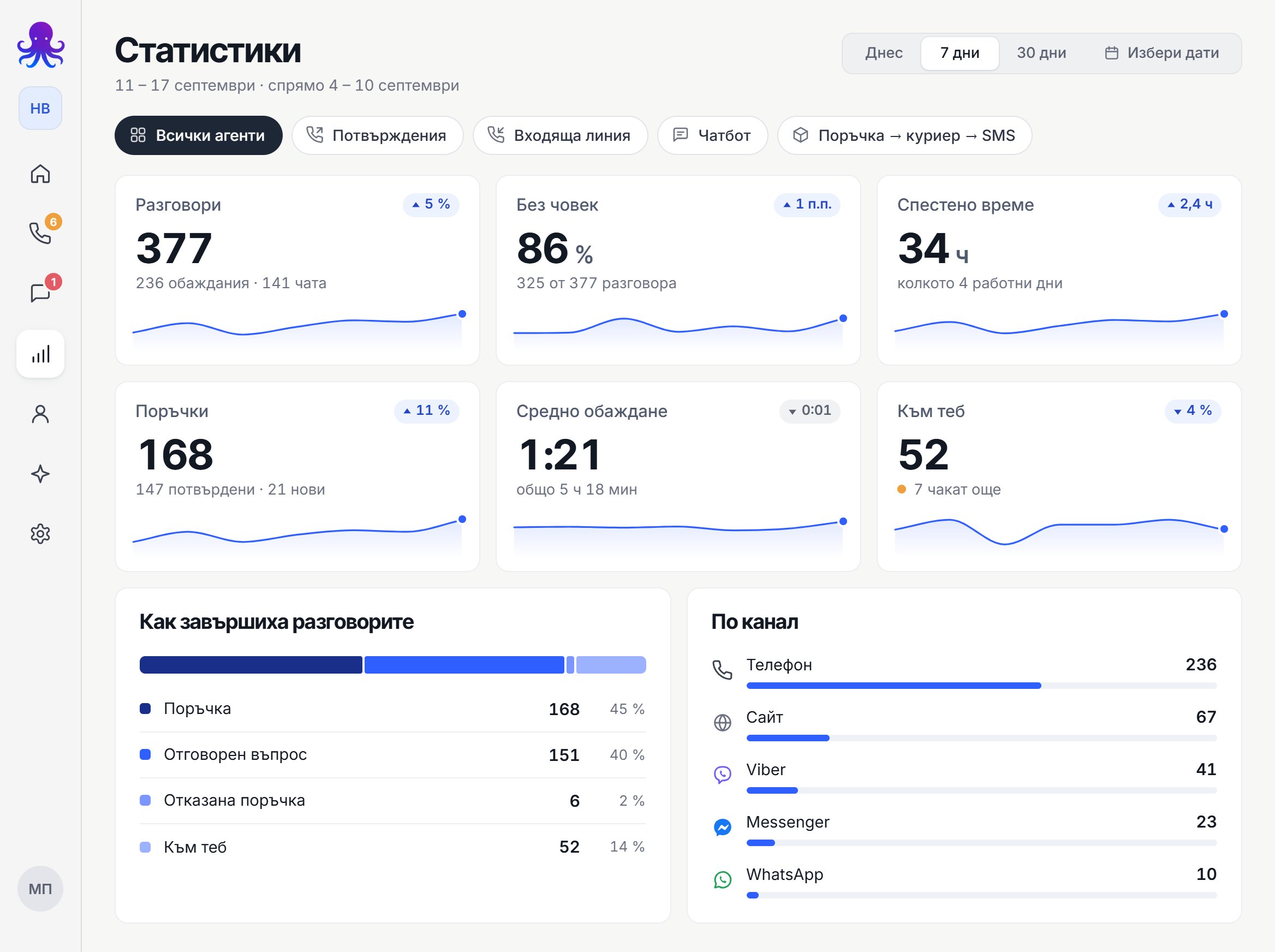
Automation without visibility is a risk. That's why we insist on reporting and control. Depending on the project, we can provide a dashboard or reporting where you can see:
- how many times the workflow has run
- results by status (success, failure, needs human attention)
- the most common causes of errors
- response and completion times
- which processes have the biggest impact
This turns automation into a tool you can manage, not a "black box."
How custom automations work together with AI chatbots and voice assistants
Many businesses combine:
- an AI chatbot on the website (for inquiries and guidance)
- an AI phone agent (for calls and phone support)
- custom automations (for the actions after the conversation: logging, email, ticket, CRM update)
If you want to see the voice solution:
How much custom automations cost (and how to think about ROI)
The price of a custom automation depends on:
- the number of workflows and their complexity
- the number of integrations and systems
- whether you need AI logic
- the volume of data processed and how often it runs
- security and monitoring requirements
What matters most is ROI: how much time you save, how many errors you eliminate and how much faster you serve your customers. We usually start with the one "most painful" process that delivers a quick win, and then build from there.
Next step
If you want us to automate a specific process in your business, check out our service and write to us for a short analysis:
Custom automations from Octupo
If you want to combine automations with AI phone support: