

























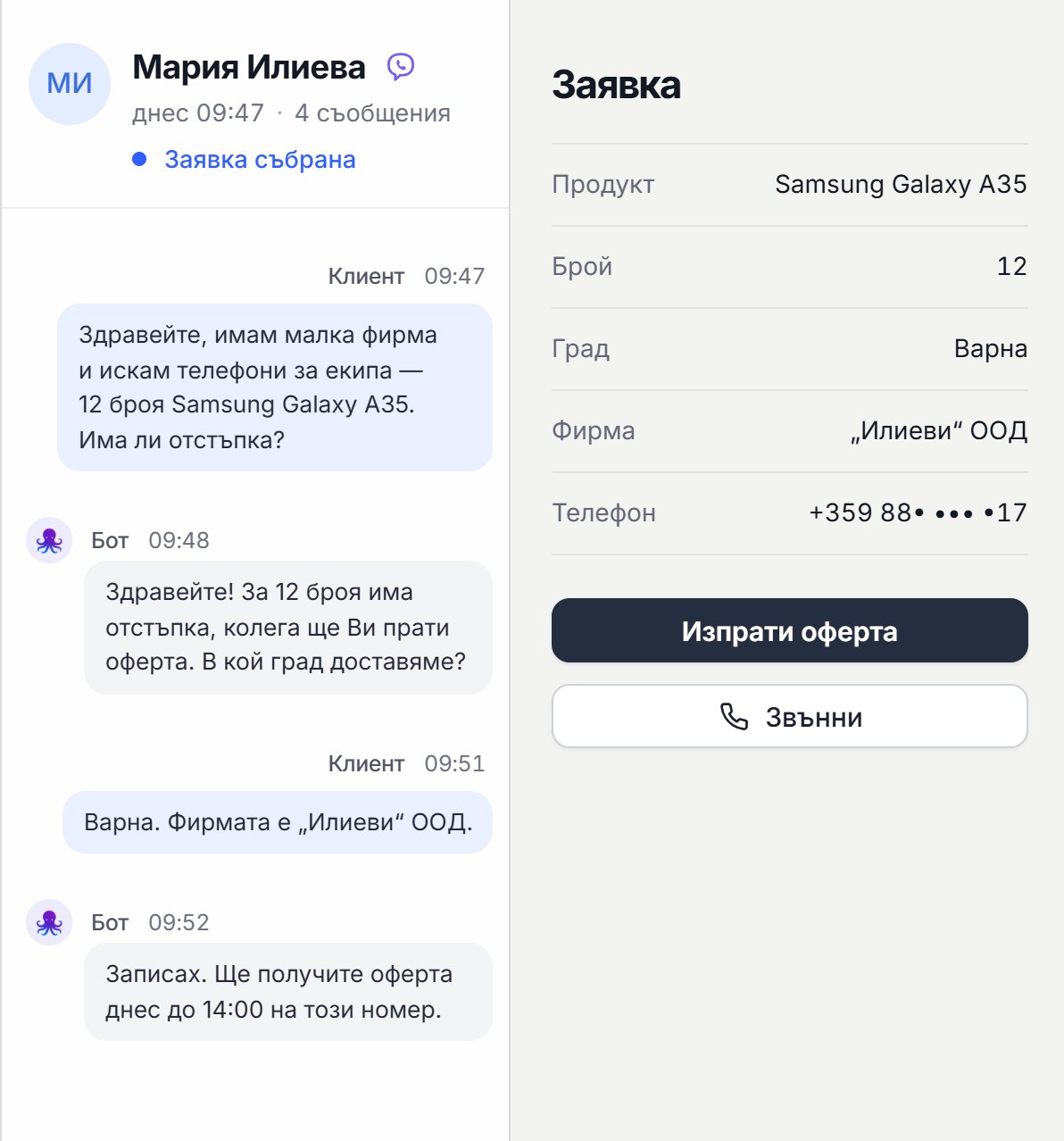




Custom automations for sales: inquiry → quote → follow-up (and how Octupo does it automatically)
Custom sales automations from Octupo: inquiries from your website or email, logged in a CRM or spreadsheet, a quote, a follow-up, and a task for a sales rep. Integrations, AI classification, and a dashboard for control.
In many businesses, sales aren't lost because the service isn't good. They're lost because the lead isn't handled in time. A customer fills out a form, sends an email, or writes in the chat, but then:
- nobody sees the inquiry right away
- there's no reply or quote within the day
- there's no follow-up and the customer disappears
- the information is scattered across email, chat, and spreadsheets
This is exactly where custom automations deliver results the fastest: they make the process consistent, measurable, and fast. In this post, we'll show what a typical "Inquiry -> Quote -> Follow-up" automation looks like and how Octupo implements it so your team loses fewer deals and works with less stress.
If you want an overview of the service:
Custom automations from Octupo
Why follow-up is where the most deals get lost
In reality, most customers don't buy at first contact. They:
- compare
- wait for an internal decision
- put it off
- forget
Without a systematic follow-up, the deal disappears. Automation solves this by making sure that:
- every lead is logged and tracked
- there are clear statuses and an owner
- there are reminders and next actions
- there are no "forgotten" inquiries
What the "Inquiry -> Quote -> Follow-up" process looks like (ideally)
1) The inquiry comes in
The inquiry can come from:
- a form on your website
- a chatbot
- an ad/landing page
- a phone call (once it's been processed)
2) Logging and classification
The lead is logged in:
- a CRM system, if you have one
- or a spreadsheet like Google Sheets, if the business prefers a simpler option
Then the automation can classify:
- type of service/product
- priority
- source
- location/city
- need for a quick response
3) Notification and task for a sales rep
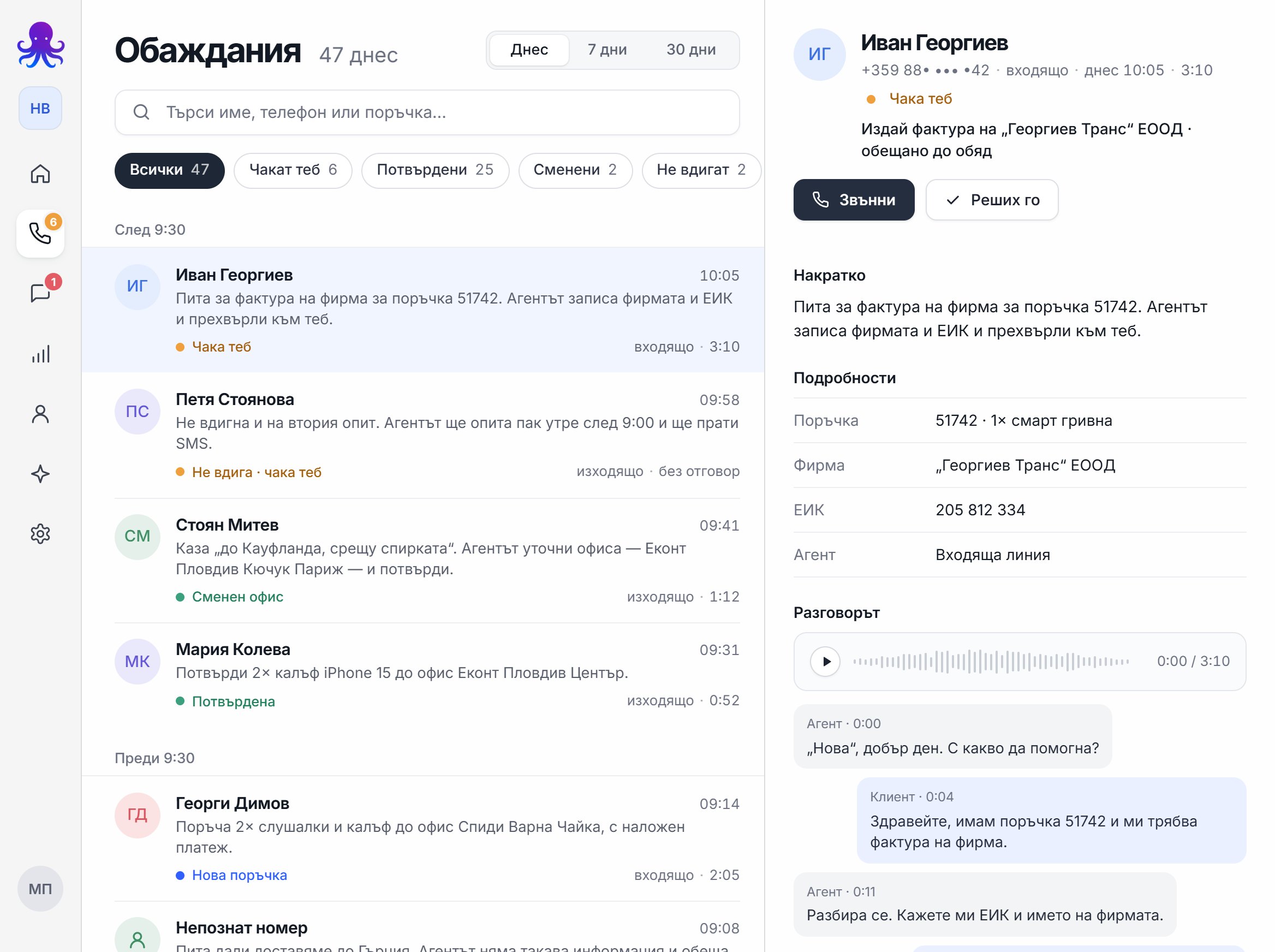
The automation creates a task and a notification for a sales rep:
- who the lead is
- what they want
- where they came from
- what the next step is
4) Sending the quote
The quote can be sent by email using:
- a template
- or custom logic, if the products/services vary
Important: the goal is for the lead to get a fast response, and for the team not to waste time on manual "copy-paste" work.
5) Follow-up logic
This is where the "gold" is. The automation tracks:
- whether the customer has replied
- whether they've opened the email (if tracked)
- whether the status has changed
If there's no response, the automation:
- sends a follow-up message
- reminds the sales rep
- sets the next task
- marks the lead as "inactive" if there's no reply after a set period
What exactly we automate (examples of real actions)
Automation 1: Form -> CRM/Sheets -> notification
- a customer fills out a form
- the lead is logged
- a notification goes to the team
- a task is created for a sales rep
Automation 2: Email inquiry -> classification -> task
- an email comes in
- the automation extracts the key information
- classifies it by topic and priority
- creates a task and a next step
Automation 3: Quote -> follow-up sequence
- a quote is sent
- after two days with no reply, a follow-up goes out
- after a few more days – a second follow-up or a reminder to the sales rep
- if the customer replies, the process stops or changes status
The AI layer: when there's free-form text and lots of inquiries
AI is useful when inquiries come in as "messy" text. Then AI can:
- extract key fields from an email/chat (what the customer wants)
- write a short summary
- classify by topic and priority
- suggest a next step to the sales rep
This speeds up response times and reduces human error.
Dashboard and control: how to know nothing slips through
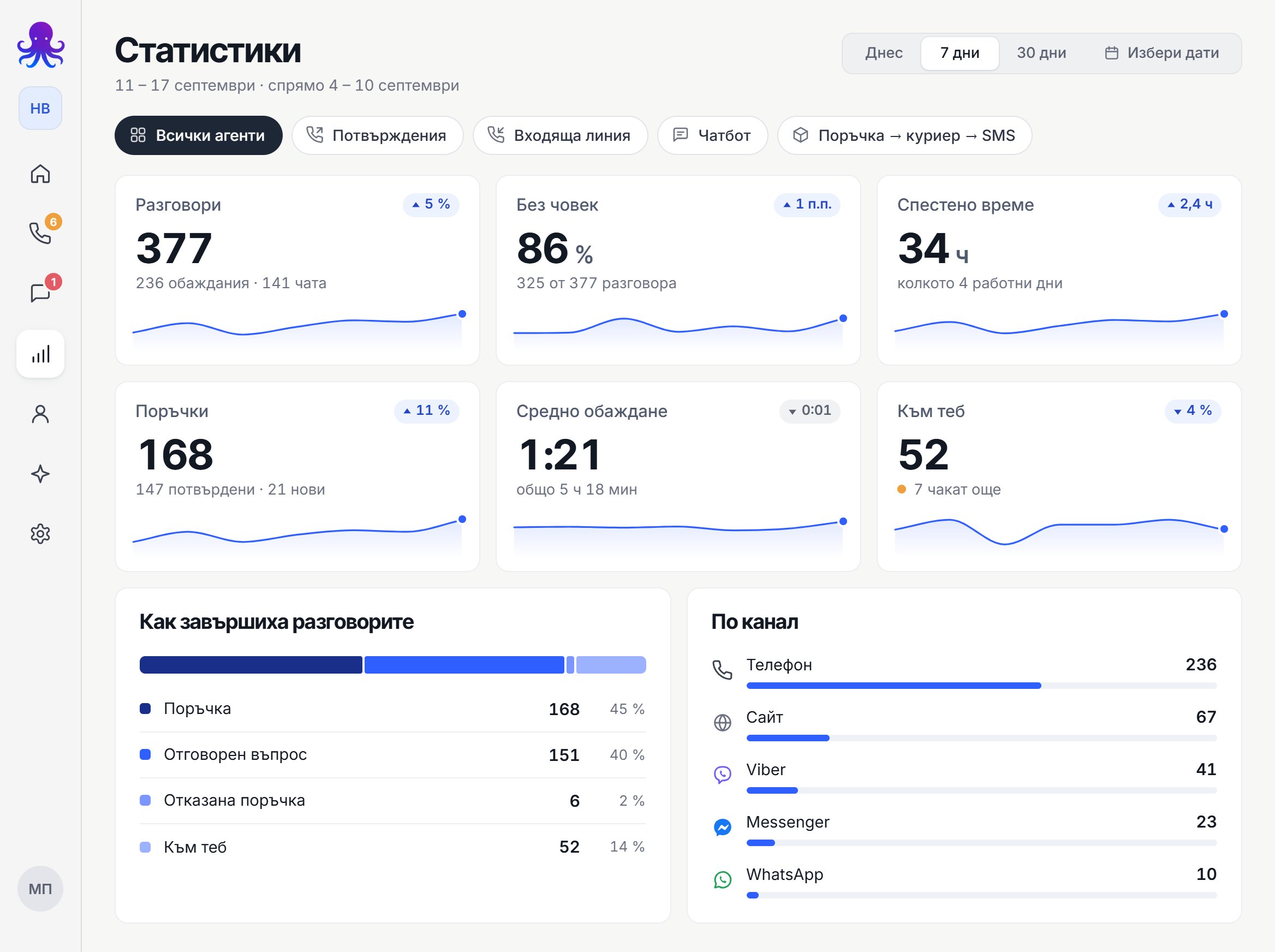
A good process needs to be visible. That's why, depending on the project, we provide reporting and control:
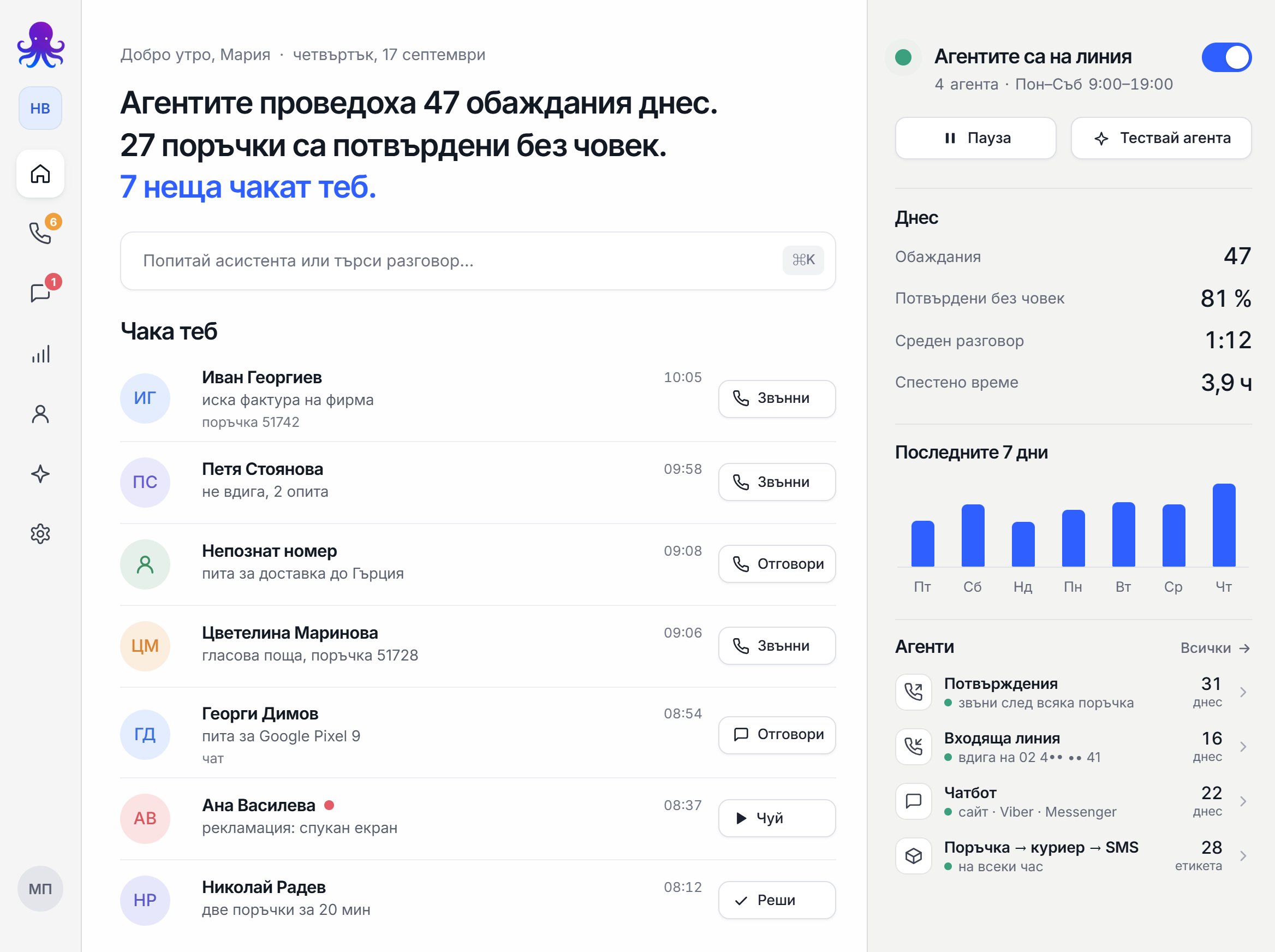
- how many inquiries came in
- how many were handled
- how many quotes were sent
- how many follow-ups were made
- which deals are "stuck" and for how long
This turns sales into a process, not chaos.
How this combines with an AI chatbot and an AI phone agent
Many businesses start with inquiries through their website and phone. We can combine:
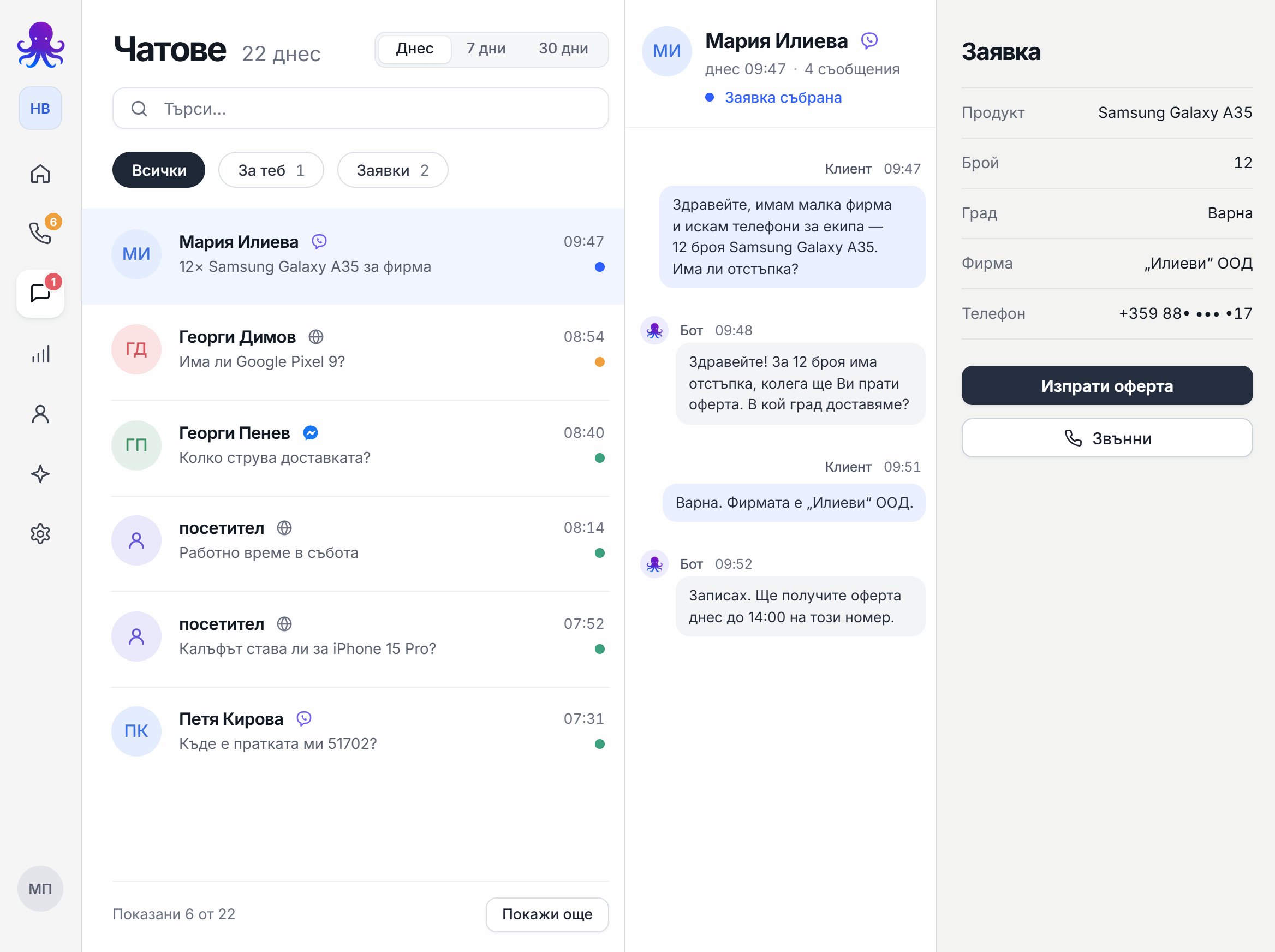
- an AI chatbot that collects inquiries and answers questions
- an AI phone agent that takes calls or makes follow-up calls
- custom automations that form the "backbone" of the process (CRM/Sheets, emails, tasks, follow-up)
If you want to see the AI phone agent:
How to get started: the fastest way
- Pick the one process that loses the most deals (usually follow-up).
- Describe where your inquiries come from and where you want them logged.
- Set the rules: when to send a quote, when to follow up, when to stop.
- We launch a pilot and track the results.
- We optimize and expand to more processes.
Next step
If you want to automate "Inquiry -> Quote -> Follow-up" in your business, check out our service and write to us for a quick analysis:
Custom automations from Octupo
If you want to combine automations with AI customer service over the phone: